> ## Documentation Index
> Fetch the complete documentation index at: https://docs.costgraph.ai/llms.txt
> Use this file to discover all available pages before exploring further.
# Authentication
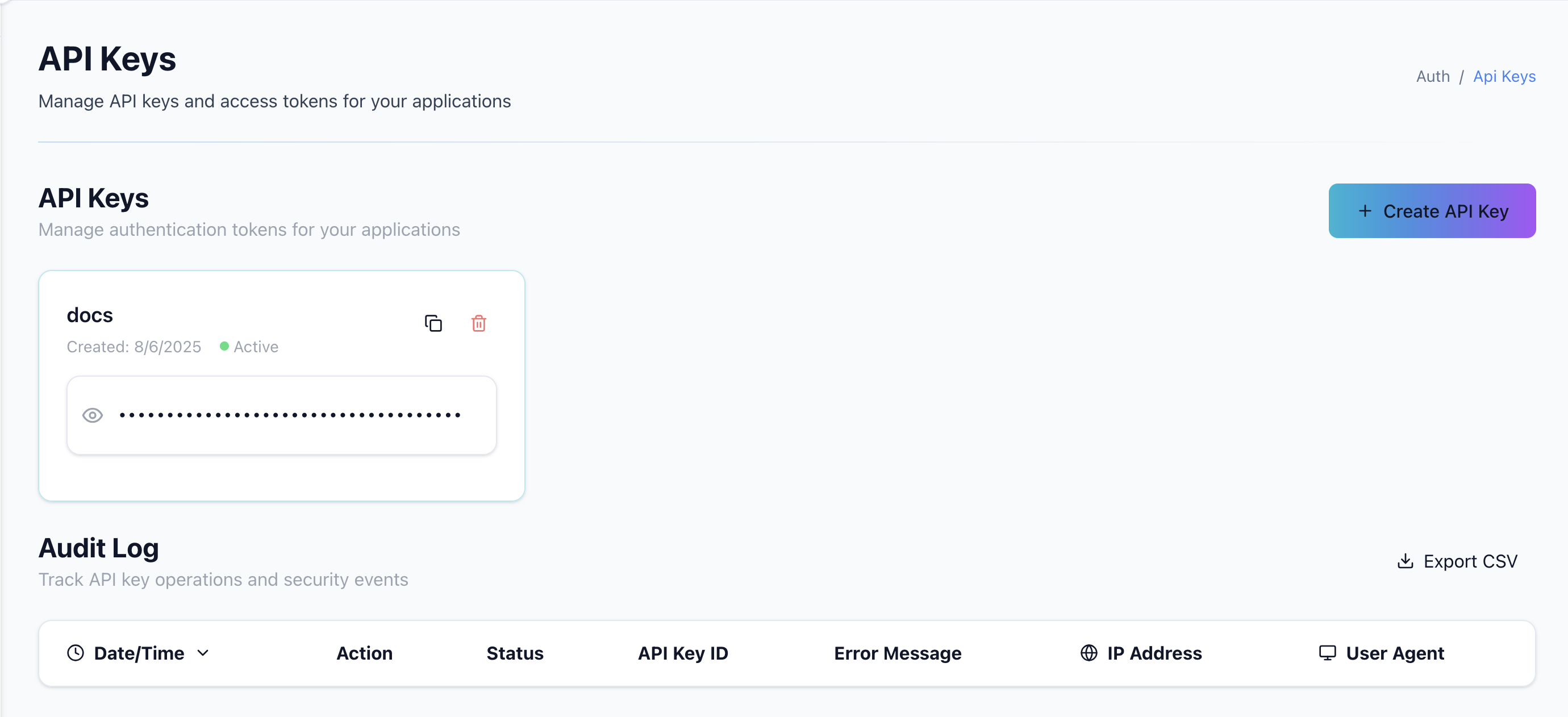
## Get an API Key
Create an account on [app.costgraph.ai](https://app.costgraph.ai/settings/account/api-keys) to obtain your API key.
 ## Authenticate with the SDK
```go theme={null}
import (
"fmt"
"os"
openapiclient "github.com/baselinehq/pricingapi-client-golang"
)
token := os.Getenv("COSTGRAPH_API_KEY")
configuration := openapiclient.NewConfiguration()
configuration.DefaultHeader["Authorization"] = fmt.Sprintf("Bearer %s", token)
client := openapiclient.NewAPIClient(configuration)
```
```typescript theme={null}
import { DefaultApi, Configuration } from '@baselinehq/pricingapi-client-typescript';
const token = process.env.COSTGRAPH_API_KEY;
const config = new Configuration({
basePath: 'https://pricing.baselinehq.cloud',
apiKey: (name: string) => (name === 'X-API-Key' ? token : undefined),
});
const client = new DefaultApi(config);
```
## Raw HTTP
Include your API key in the `X-API-KEY` header:
```bash theme={null}
curl -H "X-API-KEY: $COSTGRAPH_API_KEY" \
-H "Content-Type: application/json" \
-X POST https://pricing.baselinehq.cloud/pricing/compute \
-d '{"instance_type": "s-2vcpu-2gb", "provider": "digitalocean", "region": "nyc1", "service": "Droplet", "usage_type": "ondemand", "operating_system": "linux", "vm": {"cpu_cores": 2, "ram_gb": 2}}'
```
## Authenticate with the SDK
```go theme={null}
import (
"fmt"
"os"
openapiclient "github.com/baselinehq/pricingapi-client-golang"
)
token := os.Getenv("COSTGRAPH_API_KEY")
configuration := openapiclient.NewConfiguration()
configuration.DefaultHeader["Authorization"] = fmt.Sprintf("Bearer %s", token)
client := openapiclient.NewAPIClient(configuration)
```
```typescript theme={null}
import { DefaultApi, Configuration } from '@baselinehq/pricingapi-client-typescript';
const token = process.env.COSTGRAPH_API_KEY;
const config = new Configuration({
basePath: 'https://pricing.baselinehq.cloud',
apiKey: (name: string) => (name === 'X-API-Key' ? token : undefined),
});
const client = new DefaultApi(config);
```
## Raw HTTP
Include your API key in the `X-API-KEY` header:
```bash theme={null}
curl -H "X-API-KEY: $COSTGRAPH_API_KEY" \
-H "Content-Type: application/json" \
-X POST https://pricing.baselinehq.cloud/pricing/compute \
-d '{"instance_type": "s-2vcpu-2gb", "provider": "digitalocean", "region": "nyc1", "service": "Droplet", "usage_type": "ondemand", "operating_system": "linux", "vm": {"cpu_cores": 2, "ram_gb": 2}}'
```